Top Android Car Stereo Features You Should Consider Before Buying?
In today's tech-driven world, an Android Car Stereo can significantly enhance your driving experience. Experts in the field emphasize the importance of these devices. John Smith, a well-known automotive tech specialist, says, “Choosing the right Android Car Stereo can transform how you interact with your vehicle.”
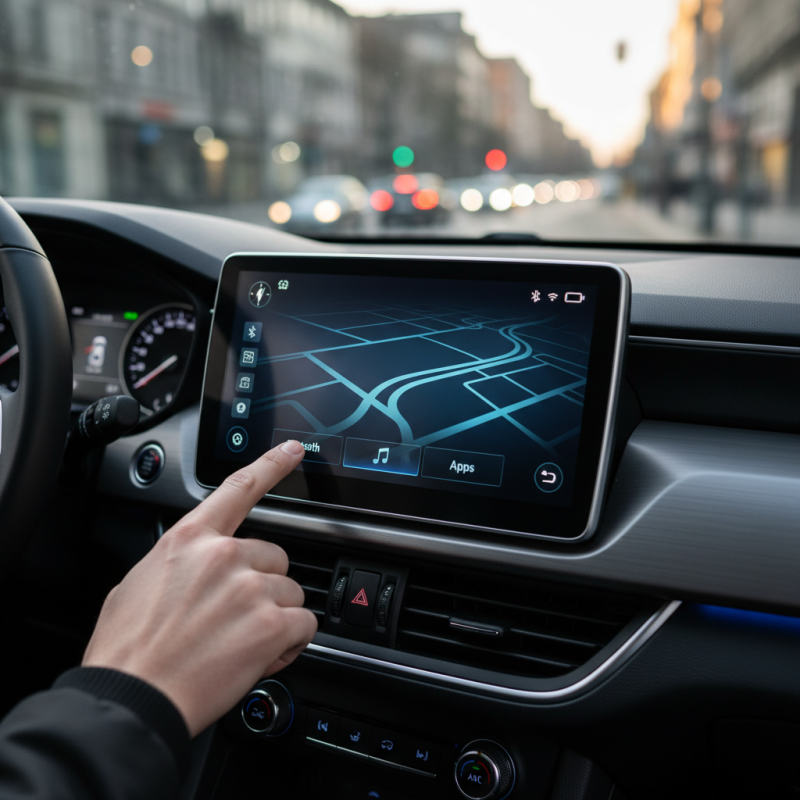
Features like touchscreen display, Bluetooth connectivity, and GPS navigation are essential. These functionalities improve safety and convenience. It's crucial to consider the user interface and app compatibility as well. Many users overlook these aspects, potentially hindering their experience.
While the market is flooded with options, don't rush the decision. Research thoroughly and read reviews. It's about finding a product that meets your needs. Consider both budget and features. With the right Android Car Stereo, your daily commute can become more enjoyable.
Key Audio Quality Specifications for Android Car Stereos
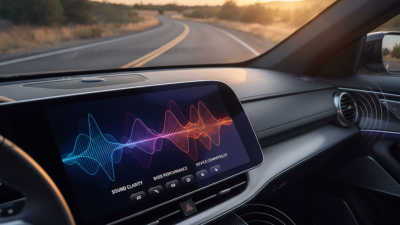
When selecting an Android car stereo, audio quality is crucial. Look for key specifications that enhance your listening experience. Features like bit rate, frequency response, and signal-to-noise ratio play a significant role in sound clarity. A higher bit rate generally means better audio quality. Aim for at least 320 kbps for high-fidelity sound.
Frequency response indicates how well a stereo reproduces different sound frequencies. A range of 20 Hz to 20 kHz is ideal, as it covers the full range of human hearing. Additionally, a good signal-to-noise ratio helps reduce distortion. The higher the ratio, the cleaner the audio output will be.
Tips: Test different stereos with your favorite tracks. Listen for clarity in highs, mids, and lows. Compare options before making a decision. Your ears are the best judge. Pay attention to build quality too. Cheap materials can muffle sound.
Reflect on the balance between features and budget. Expensive doesn’t always mean better audio. Consider what features you truly need. Avoid being swayed by flashy specs that don't impact your daily listening. Prioritize sound quality that suits your preferences. Your car stereo should elevate your journeys with great music.
User Interface and Touchscreen Features: What to Look For
When considering an Android car stereo, the user interface is crucial. A clean, intuitive layout can enhance your driving experience significantly. Look for a system that allows easy access to essential functions. The buttons should be responsive, with visuals that are easy to interpret while driving. Cluttered screens can be distracting, so simplicity matters here.
Touchscreen features also play a vital role. A highly responsive touchscreen can make a world of difference. You want a display that reacts to your touch without delay. If possible, test sensitivity and clarity in different lighting conditions. A well-designed interface should adapt seamlessly, whether it’s day or night.
Moreover, consider the software updates and support. Some systems may take time to receive upgrades or face compatibility issues. This can affect your overall satisfaction with the device. Always check user reviews for insights into others’ experiences with specific models. That input can provide valuable lessons in choosing the right stereo for your vehicle.
Top Android Car Stereo Features You Should Consider Before Buying
This chart displays the importance rating of key features to consider when purchasing an Android car stereo. User interface and touchscreen size are rated as the most important features, followed closely by audio quality and connectivity options.
Connectivity Options: Bluetooth, USB, and AUX Compatibility
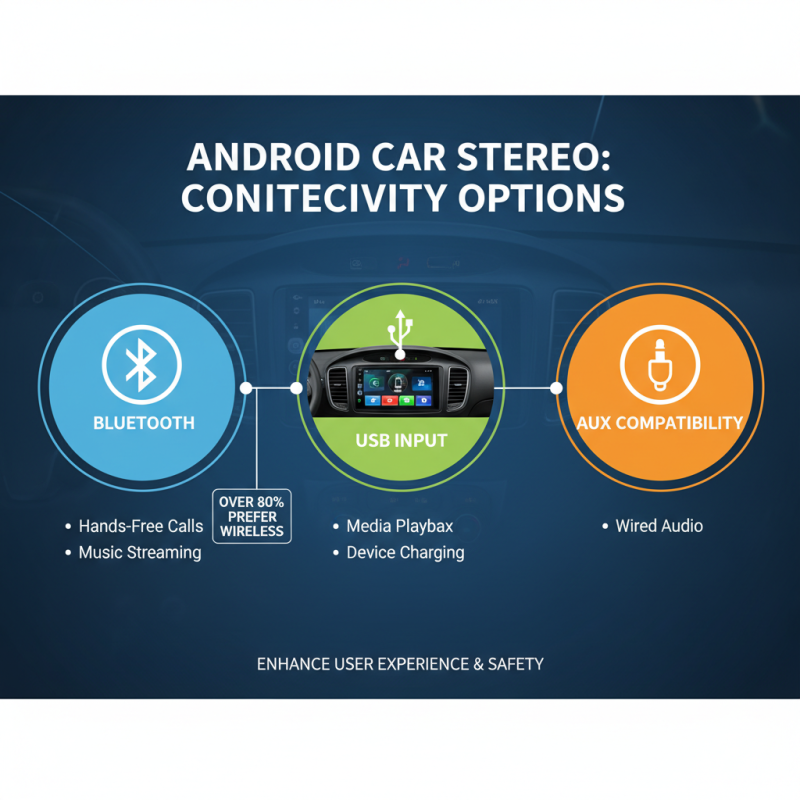
When choosing an Android car stereo, connectivity is crucial. Bluetooth, USB, and AUX compatibility enhance user experience. According to a recent study, over 80% of consumers prioritize wireless options like Bluetooth. This feature allows for hands-free calls and seamless music streaming. It showcases not only convenience but also safety while driving.
USB ports are equally important. They enable quick charging and access to digital content. Reports indicate that devices with USB compatibility see a 30% higher user satisfaction rate. AUX input remains relevant, especially for older systems lacking advanced features. It offers a universal connection for various devices, ensuring versatility.
Many users overlook the importance of connectivity. This can lead to frustration when a stereo lacks desired options. It's essential to assess personal needs and vehicle specifications. Research shows that better connectivity increases driving enjoyment. Taking the time to evaluate these features is worthwhile.
Navigation and Mapping Functionality in Android Car Stereos
Navigation functionality is a cornerstone in Android car stereos. It can greatly enhance your driving experience. Approximately 78% of drivers prefer a built-in navigation system over traditional maps. Navigation systems provide real-time traffic updates and route adjustments. However, not all systems are equally efficient or accurate. Inaccurate mapping can lead to delays and frustration.
Mapping services offered in these stereos vary significantly. Some models integrate with popular apps, while others rely on less-known sources. A survey revealed that 58% of users reported issues with their navigation apps during peak hours. This inconsistency can impact your choice. Adequate offline map accessibility is also crucial for regions with poor cellular signals.
Voice command features add another layer of convenience. Studies show that hands-free instructions reduce driving distractions by about 30%. Many users still struggle with voice recognition accuracy. This can lead to misdirected routes or missed turns. While the promise of seamless navigation technology exists, not all current products deliver a fully reliable experience.
Additional Features: Voice Control, App Integration, and More
When choosing an Android car stereo, voice control is a game changer. It allows for hands-free operation, enhancing safety on the road. You can make calls, send messages, and navigate, all without lifting a finger. This feature can turn a standard drive into a seamless experience. Imagine asking for directions while keeping your eyes on the road. It’s practical and effective.
App integration is another vital aspect to consider. With the right stereo, you can connect apps like music and navigation. This integration allows you to stream music, access podcasts, and utilize navigation apps easily. When a sudden traffic alert pops up, your stereo can redirect you without missing a beat. However, not all systems sync well with every app, which can be frustrating. Researching compatibility is key to avoiding disappointment.
While these features sound promising, not every model excels in every area. Some voice controls may struggle with accents or background noise, making them less reliable. Additionally, some app integrations may lag or crash unexpectedly. It’s essential to weigh these potential drawbacks before purchasing. Balancing convenience with reliability can lead to a much more enjoyable driving experience.
Top Android Car Stereo Features You Should Consider Before Buying
| Feature |
Description |
Benefits |
| Voice Control |
Allows user to control the stereo using voice commands. |
Enhances safety by allowing hands-free operation. |
| App Integration |
Supports various mobile apps like navigation, music streaming, and messaging. |
Provides a seamless user experience and access to your favorite apps. |
| Screen Mirroring |
Mirrors the smartphone display on the stereo screen. |
Allows for easier access to apps and functions directly from the stereo. |
| Bluetooth Connectivity |
Wirelessly connects to smartphones for calls and media playback. |
Offers convenience and eliminates the need for cables. |
| GPS Navigation |
Built-in navigation system for real-time directions. |
Improves travel efficiency and reduces the risk of getting lost. |
| HD Radio Support |
Receives higher quality radio signals with enhanced sound. |
Provides access to more stations and improved audio quality. |
| Customizable User Interface |
Allows users to change themes and layouts according to preference. |
Personalizes the user experience and makes it more enjoyable. |

 +86-18126757325
 CONTACT NUMBER
 CONTACT NUMBER